
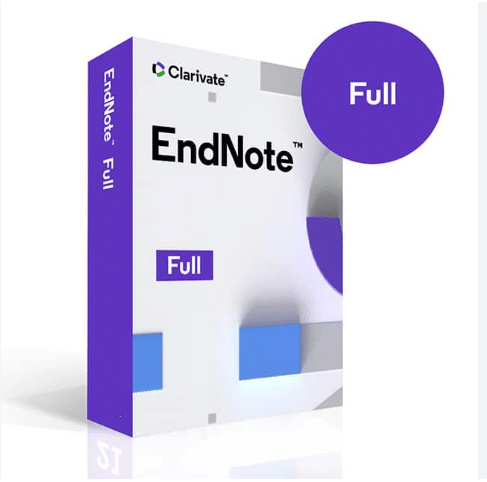
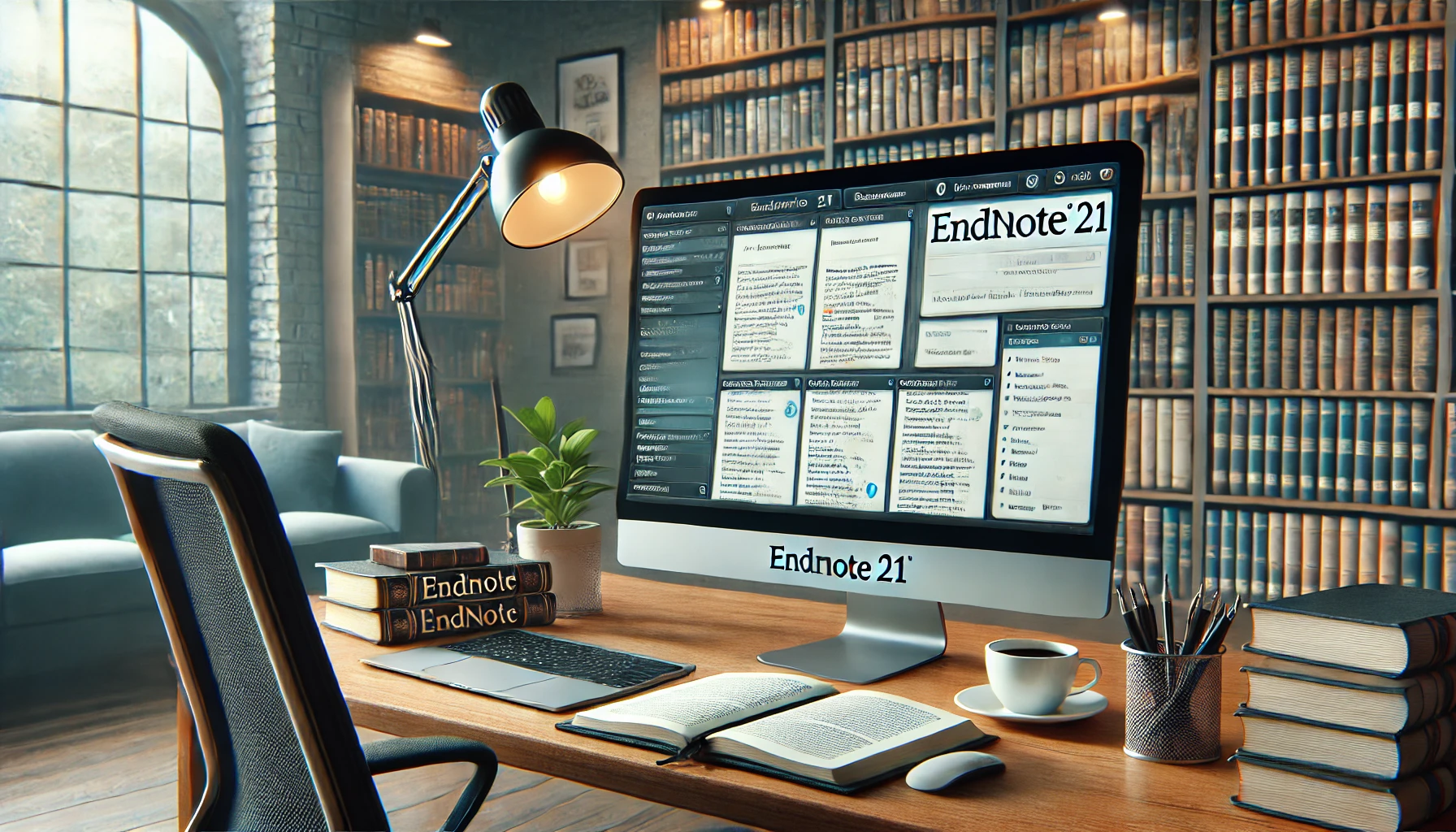
EndNote 2025 Lifetime Activation- Reference management tool for Windows
37 Item Sold
Lifetime Activation
For Windows
Comes with activation files
EndNote 2025 Lifetime Activation: Your Ultimate Research Partner
Are you a researcher, academic, student, or writer drowning in a sea of references, citations, and bibliographies? Do you spend countless hours formatting citations to meet the specific styles required by journals and universities? Imagine a world where all that tedious, time-consuming work is handled for you, freeing you up to focus on what truly matters: your research and writing. That world is here, and it’s powered by EndNote 2025.
We are thrilled to offer the EndNote 2025 Lifetime Activation for Windows, a revolutionary tool designed to streamline your entire research process from start to finish. This isn’t just another piece of software; it’s a permanent research assistant that lives on your computer, ready to organize your sources, build your bibliographies, and format your citations with just a few clicks. With our one-time payment and permanent license, you get full access to the latest version of this indispensable tool forever. No subscriptions, no monthly fees, just a lifetime of smarter research.
This is an original, genuine, and legitimate digital product, delivered instantly to you. Purchase EndNote 2025 from our trusted store and unlock the full version today.
Why EndNote 2025 is a Game-Changer for Researchers
The academic and scientific worlds are built on the foundation of previous work. Citing sources correctly isn’t just a requirement; it’s a cornerstone of scholarly integrity. But let’s be honest—it can be a nightmare. Each journal, university, and publication has its own specific style guide, whether it’s APA, MLA, Chicago, Harvard, or one of the thousands of others. Manually managing these styles for dozens, or even hundreds, of references is a recipe for frustration, errors, and wasted time.
This is where EndNote 2025 steps in. It’s more than just a reference manager; it’s a comprehensive ecosystem designed to support you at every stage of your writing journey.
- Tired of endless formatting? EndNote automates it.
- Struggling to keep your sources organized? EndNote creates a searchable library.
- Worried about finding full-text articles? EndNote can find them for you.
- Collaborating with a team? EndNote makes sharing and syncing seamless.
With the EndNote 2025 full version, you are not just buying software; you are investing in efficiency, accuracy, and peace of mind. Our lifetime activation ensures that this powerful tool remains yours forever, a constant companion through your entire academic or professional career.
Unpacking the Powerful Features of EndNote 2025
EndNote has long been the gold standard for reference management, and the 2025 version builds upon this legacy with an enhanced interface and even more powerful features. Here’s an in-depth look at what you get with your EndNote activation.
1. Build Your Personal Research Library
At the core of EndNote is its ability to act as your digital library. You can import references from hundreds of online databases like PubMed, Web of Science, Google Scholar, and your university’s library catalog.
- Multiple Import Options: Add references manually, import them in various file formats (like RIS, ENW, and BibTeX), or connect directly to online databases from within EndNote to search and retrieve sources.
- Organize with Groups: As your library grows, keeping it organized is crucial. Create custom groups and smart groups to categorize your references by project, topic, or any criteria you choose. Drag and drop references into different groups to keep your workspace tidy.
- Find Full-Text PDFs Automatically: This is one of the most beloved EndNote features. For references in your library, EndNote can automatically search for and download the full-text PDFs. It saves you the tedious task of hunting down articles one by one. Once attached, the PDF is stored right alongside the reference information.
- Annotate and Highlight: Read and review your PDFs directly within EndNote. The built-in annotation tools allow you to add sticky notes, highlight key passages, and make comments. Your annotations are saved and searchable, making it easy to find your thoughts later.
2. Cite While You Write™ in Microsoft Word
This is where the magic truly happens. EndNote’s Cite While You Write™ (CWYW) plugin integrates seamlessly with Microsoft Word, transforming the way you write and cite.
- Insert Citations Effortlessly: While writing your manuscript, simply search your EndNote library from a dedicated toolbar in Word and insert your chosen citation. EndNote automatically formats it in your selected style.
- Instant Bibliography Generation: As you insert citations, EndNote simultaneously builds a perfectly formatted bibliography at the end of your document. Add, remove, or reorder citations, and EndNote instantly updates the bibliography to match. No more manual sorting or formatting!
- 7,000+ Citation Styles: EndNote comes pre-loaded with thousands of bibliographic styles. Whether you need APA 7th, MLA 9th, Vancouver, or a niche journal-specific style, it’s likely in there. You can also download more styles or create your own custom style. Changing the style for your entire document is as simple as selecting a new one from a dropdown menu.
3. Share Your Work and Collaborate with Ease
Research is rarely a solo endeavor. EndNote 2025 is built for collaboration, allowing you to work with colleagues and co-authors around the globe.
- Share Your Library: Share your entire EndNote library, including references, PDFs, and annotations, with up to 400 other EndNote users. Everyone has full access to add, edit, and annotate, with changes synced automatically across all shared members.
- Activity Feed: Keep track of who is doing what. The activity feed shows you when new references or files are added and who made the changes, ensuring everyone stays on the same page.
- No Additional Fees for Sharing: Library sharing is included with your license. You and your colleagues can collaborate seamlessly without worrying about extra costs.
4. An Intuitive and Modern Interface
EndNote 2025 features a clean, modern interface designed to minimize distractions and help you find what you need quickly. The layout is intuitive, making it easy for both new users and long-time EndNote veterans to navigate their library and access key functions. The summary pane provides a quick overview of a selected reference, while tabs let you quickly jump to the attached PDF for reading and annotation.
A Smart Investment with a Lifetime License
Why rent when you can own? The biggest advantage of our offer is the lifetime activation. Unlike subscription-based models that require yearly or monthly payments, you make a one-time payment and receive a permanent license for EndNote 2025.
- Best Price Guaranteed: We offer the most competitive price online for an authentic license of EndNote 2025. Buy online from our trusted store and get the best value for your money.
- No Hidden Fees or Subscriptions: The price you see is the price you pay. Forever. This is a full version product, not a trial or a limited student version.
- Money-Back Guarantee: We stand by the quality and legitimacy of our products. Your purchase is protected by our money-back guarantee, so you can buy with complete confidence.
- Global License: It doesn’t matter where you are in the world. This is a global license that can be activated and used anywhere.
Seamless Installation and Unmatched Support
We understand that installing new software can sometimes be daunting. That’s why we’ve made the process as simple as possible and offer unparalleled support to get you up and running.
- Instant Digital Download: As soon as your payment is processed through our secure online payment system, you will receive an email with your digital download link and your genuine activation key. No waiting for shipping, no physical media.
- Easy Installation and Activation: Our clear, step-by-step instructions guide you through the installation process. The EndNote activation is straightforward, getting you into the software in minutes.
- Free Remote Assistance: This is our commitment to you. If you encounter any issues or simply prefer a hands-off approach, we will install it for you remotely. Our expert technicians will connect to your computer (with your permission) and handle the entire installation and activation process. This free assistance ensures a perfect setup without any stress on your part.
This service is perfect for those who are less tech-savvy or just want to ensure everything is done correctly from the start. We are dedicated to making your experience smooth and successful.
System Requirements: Built for Modern Windows
This version of EndNote 2025 is specifically for Windows users and is optimized for the latest operating systems.
- Compatible with Windows 10 and Windows 11: Enjoy a stable, fast, and responsive experience on the most popular Windows platforms.
- Microsoft Word Integration: Requires Microsoft Word 2010, 2013, 2016, 2019, or Microsoft 365 (both 32-bit and 64-bit) for Cite While You Write™ functionality.
How EndNote 2025 Will Transform Your Workflow: A Use-Case Scenario
Let’s walk through a typical research project to see how EndNote 2025 transforms every step.
Phase 1: The Literature Search
You’re starting a new paper on renewable energy. You open EndNote and use the Online Search tool to connect directly to the Web of Science and PubMed. You search for keywords like “solar panel efficiency” and “wind turbine design.” You find 50 promising articles. With a single click, you import all 50 references directly into a new group in your EndNote library called “Renewable Energy Project.”
Phase 2: Gathering Full Texts
Now you need the actual articles. You select all 50 references and click the “Find Full Text” button. EndNote goes to work, searching institutional subscriptions and publicly available sources. Within minutes, it has found and attached PDFs for 45 of the articles. For the remaining five, you use EndNote’s “Find Reference Updates” feature to complete any missing metadata, which helps in locating the last few articles manually.
Phase 3: Reading and Taking Notes
You open the first PDF within EndNote’s built-in reader. As you read, you highlight a key statistic about solar panel degradation rates and add a sticky note: “Crucial point for my introduction.” You continue this process for several articles, and all your annotations are saved directly with the references. Later, you can search for the term “crucial” and instantly find all the key points you marked.
Phase 4: Writing Your Manuscript
You open Microsoft Word and start writing. In your introduction, you want to cite the statistic you found earlier. You go to the EndNote toolbar in Word, search for “degradation,” and find the correct reference. You click “Insert Citation.” Instantly, an in-text citation (Author, Year) appears, and a fully formatted entry is added to your bibliography at the end of the document, all styled in APA 7th. You continue writing, inserting dozens more citations. The bibliography grows automatically, perfectly formatted and alphabetized.
Phase 5: Revisions and Submission
Your supervisor reviews your draft and suggests you submit it to a different journal, one that uses the IEEE citation style (numbered references). You feel a moment of panic, then remember you have EndNote. You go to the Style dropdown menu in Word, select “IEEE,” and click. In seconds, every single citation and the entire bibliography are reformatted to the new style. The (Author, Year) citations are replaced with [1], [2], and the bibliography is now a numbered list.
This entire process, which would have taken days of painstaking manual work, was completed efficiently and without a single formatting error. That is the power of EndNote 2025.
Purchase EndNote 2025 Today and Revolutionize Your Research
Don’t let the administrative burden of reference management slow you down any longer. Purchase EndNote 2025 and reclaim your time, energy, and focus for the work that truly inspires you.
With our one-time payment for a permanent license, you are making a long-term investment in your productivity and academic success. Our instant delivery, money-back guarantee, and free remote installation assistance make this the best and safest way to buy EndNote online.
Click the “Add to Cart” button now to get your lifetime activation of the EndNote 2025 full version. Take the first step towards a smarter, more organized, and less stressful research process. Join the millions of researchers worldwide who rely on EndNote to produce their best work. This is the last version you will ever need to buy.
Related products
-
Topazlabs Gigapixel AI 2026- Beautiful photo enlargements For MAC
Original price was: $39.$29.50Current price is: $29.50. -
V-RAY FOR CINEMA 4D – For MAC
Original price was: $59.99.$35.99Current price is: $35.99. -
Magix SOUND FORGE PRO Suite 18 Lifetime License for Windows
Original price was: $34.99.$25.99Current price is: $25.99. -
Corel WinDVD Pro 12 – Blu-ray & DVD software for Windows
Original price was: $30.$15.99Current price is: $15.99. -
Adobe Lightroom Classic 2026 – Lifetime Activation For Windows
Original price was: $59.99.$39.99Current price is: $39.99.



 Wilcom Embroidery Studio e4.2 For Windows - Lifetime Activation
  Final Cut Pro Lifetime activation For MAC
  Microsoft Office 2021 - Word , Excel , PowerPoint , Outlook for Mac
  Symantec Ghost Solution Suite for Windows