


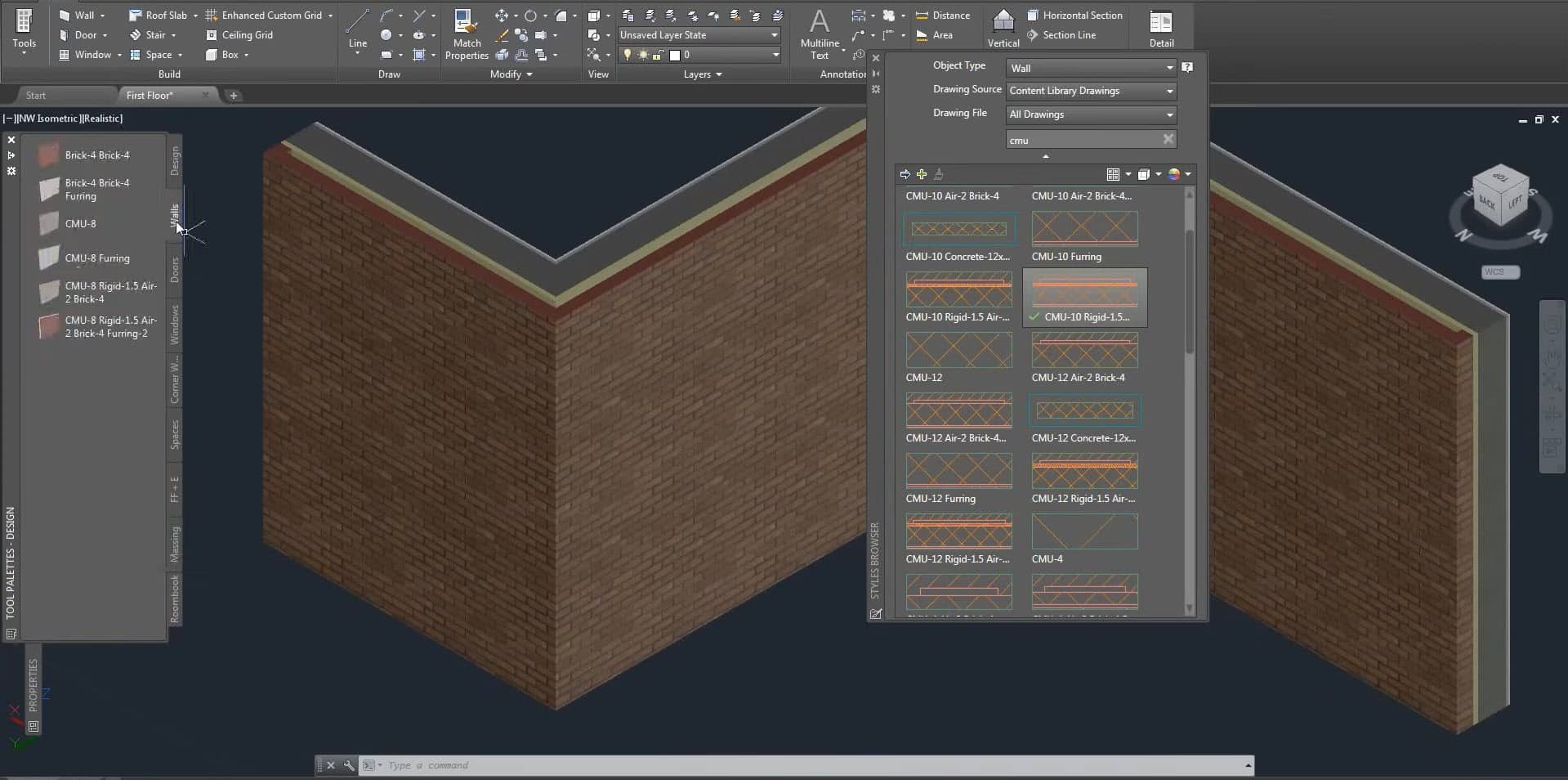
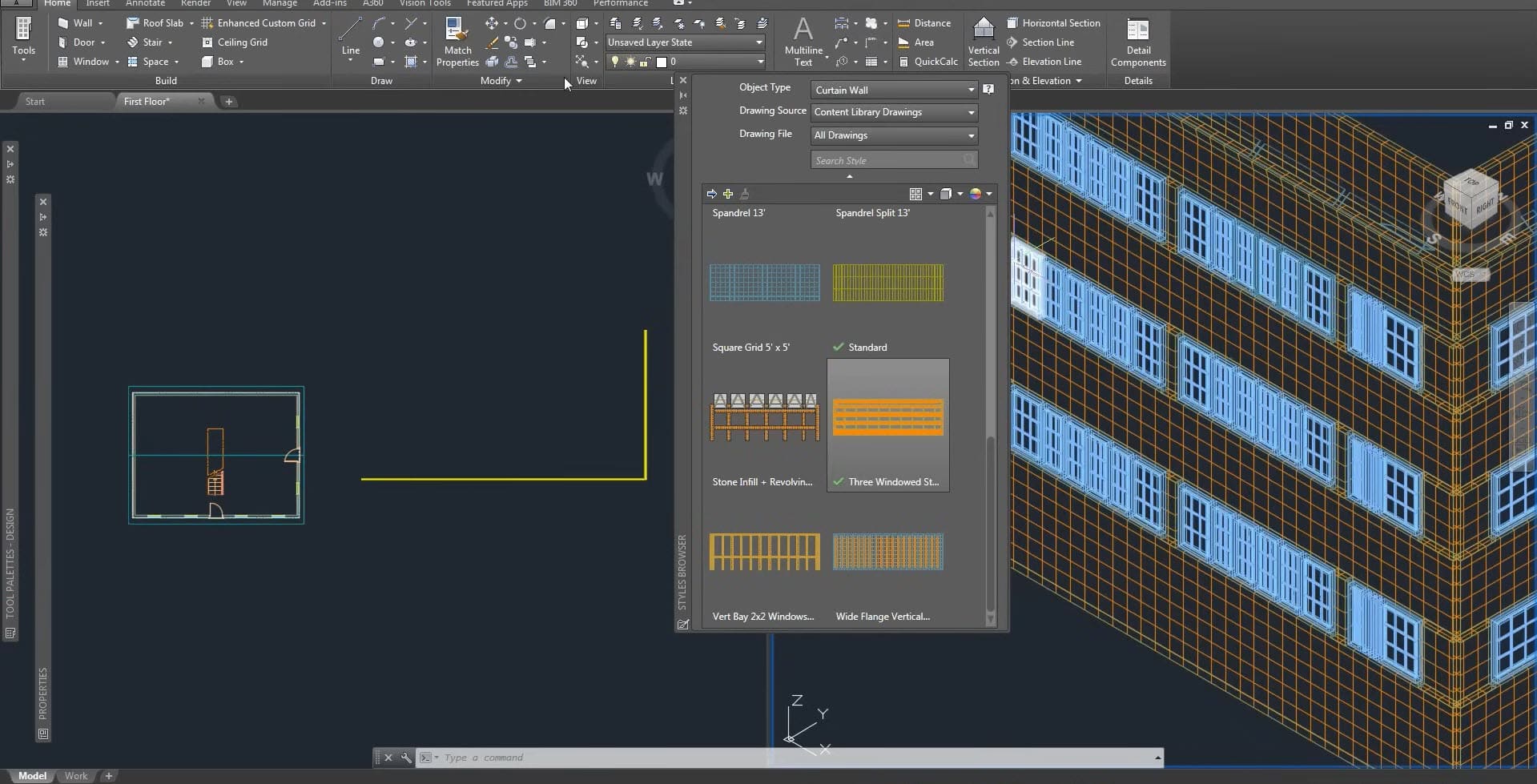
Autodesk AutoCAD Architecture 2026 For Windows
128 Item Sold
Lifetime Activation
For Windows
We will activate it for you remotely by TeamViewer
Buy Autodesk AutoCAD Architecture 2026 – Lifetime Activation for Windows
Transform your architectural design workflow with the most comprehensive and powerful drafting software available. Autodesk AutoCAD Architecture 2026 with lifetime activation brings professional-grade architectural tools directly to your Windows computer, offering everything you need to create stunning building designs, detailed floor plans, and precise technical drawings.
Why Choose AutoCAD Architecture 2026?
Professional Architecture Made Simple
Gone are the days of struggling with complex design software that takes months to master. AutoCAD Architecture 2026 streamlines the entire design process, allowing both seasoned architects and newcomers to create professional-quality drawings with confidence. The intuitive interface guides you through each step, from initial concept sketches to final construction documents.
Lifetime Value That Makes Sense
Instead of paying monthly or yearly subscription fees that add up to thousands of dollars over time, this permanent license gives you complete ownership of the software. Make a single payment today and use AutoCAD Architecture 2026 for as long as you need it. No recurring bills, no unexpected price increases, and no worries about losing access to your projects.
Complete Feature Overview
Advanced Architectural Drawing Tools
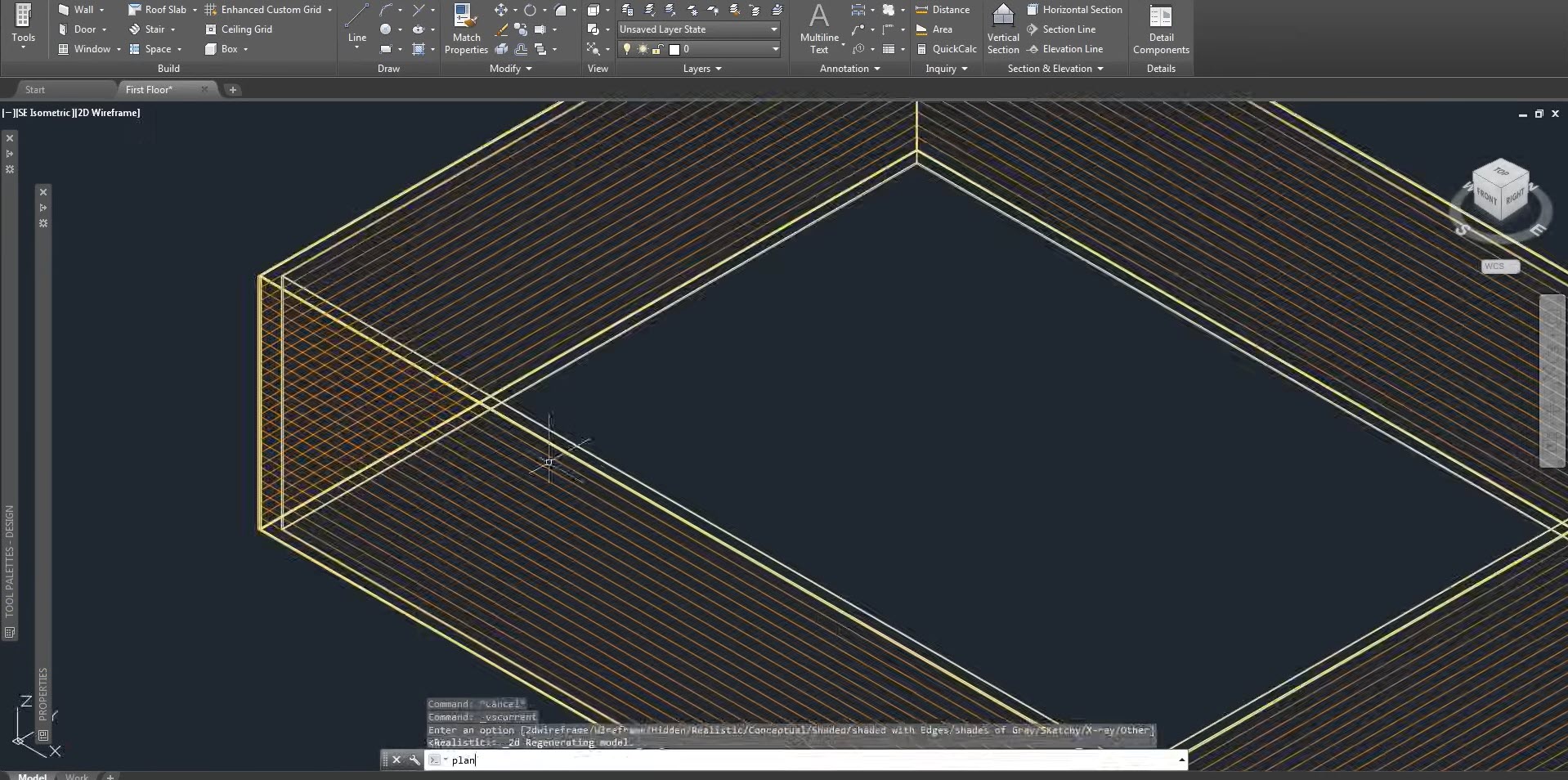
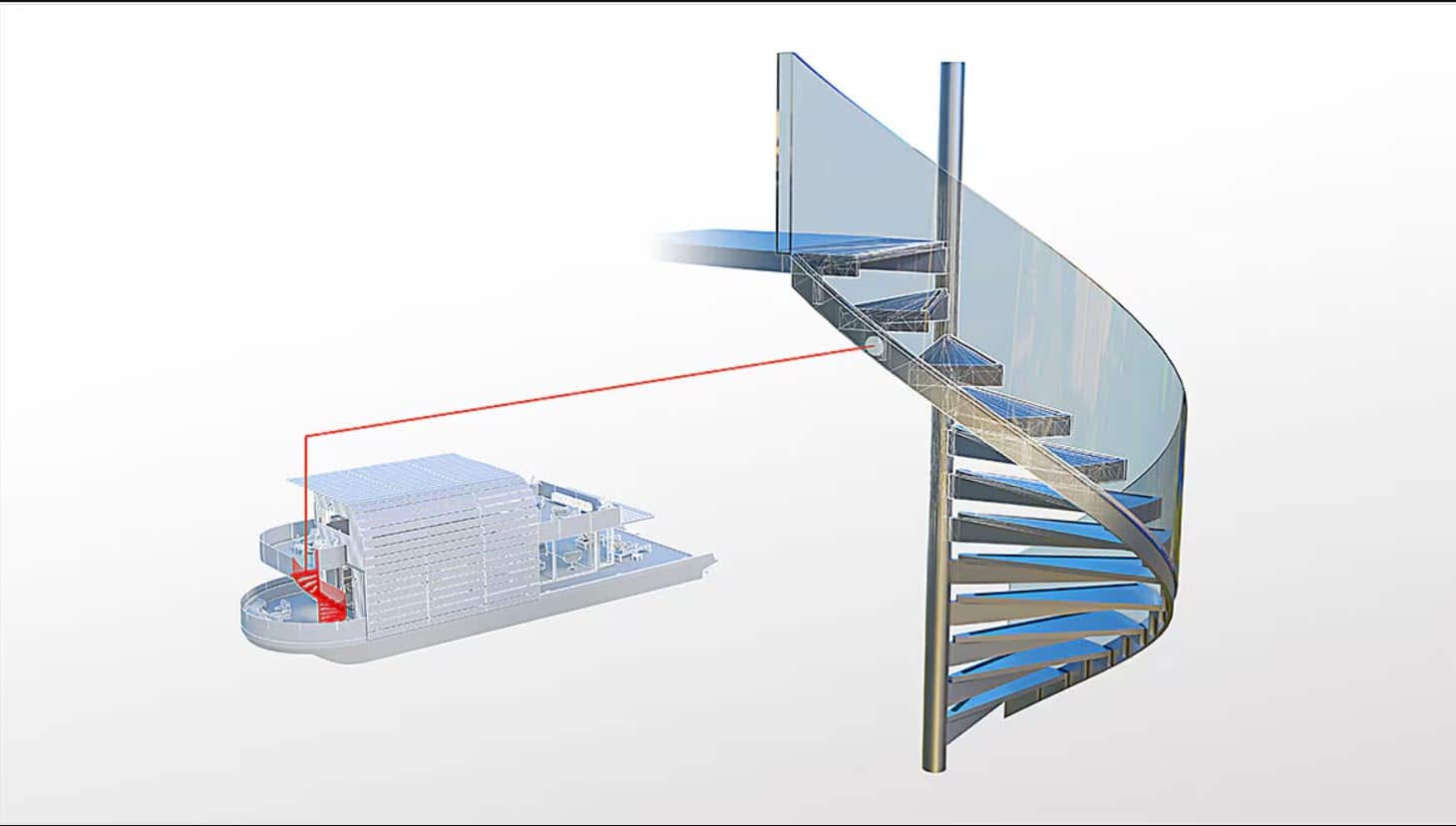
AutoCAD Architecture 2026 comes packed with specialized tools designed specifically for architectural work. Create detailed wall systems with accurate dimensions, design complex roof structures, and add architectural elements like doors, windows, and stairs with just a few clicks. The software automatically calculates materials, dimensions, and structural requirements, saving you hours of manual work.
Intelligent Object Library
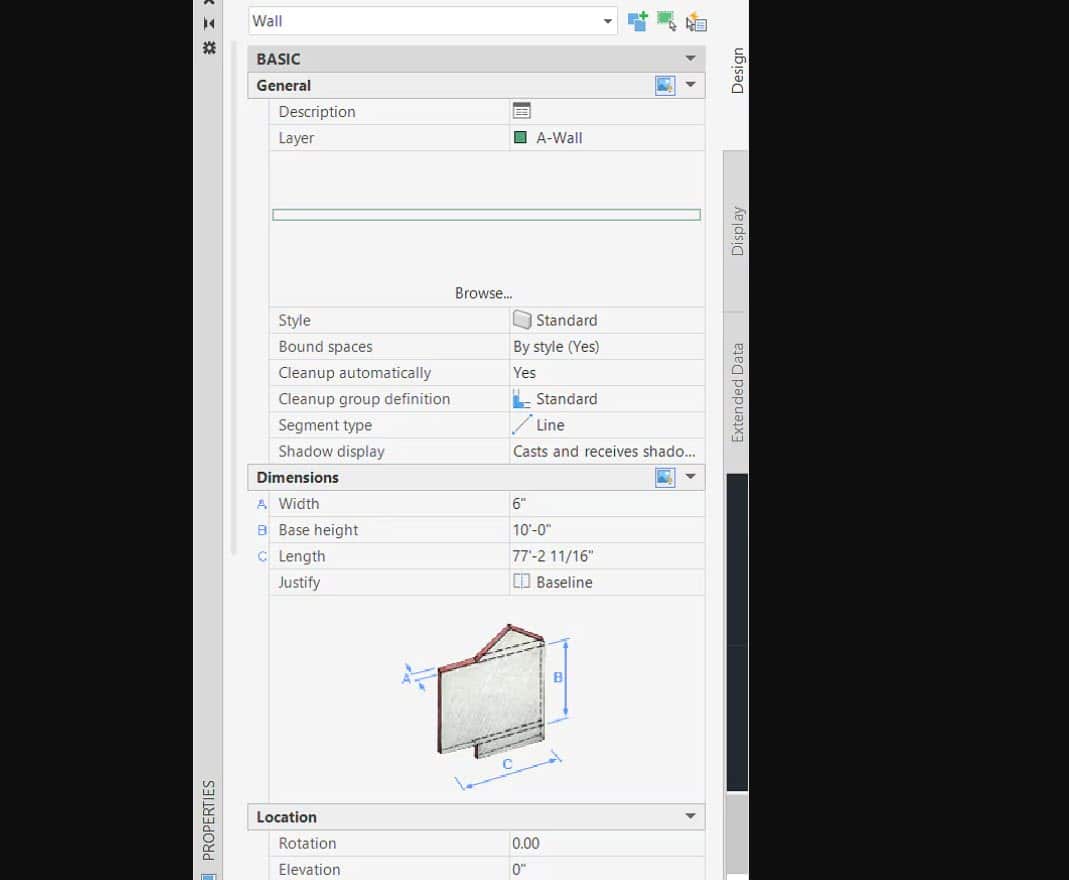
Access thousands of pre-built architectural components including furniture, fixtures, structural elements, and building systems. Each object contains real-world properties and specifications, making it easy to create accurate designs that meet building codes and industry standards. The library updates automatically, ensuring you always have access to the latest components and materials.
3D Modeling and Visualization
Turn your 2D floor plans into stunning 3D models with powerful visualization tools. Walk through your designs virtually, adjust lighting and materials in real-time, and create photorealistic renderings that help clients visualize the finished project. The advanced rendering engine produces professional-quality images suitable for presentations and marketing materials.
Precision Drafting Capabilities
Every line, curve, and dimension in AutoCAD Architecture 2026 maintains perfect accuracy. The software supports precision measurements down to microscopic levels, ensuring your designs meet the strictest engineering requirements. Smart dimensioning tools automatically calculate distances, angles, and areas, reducing errors and speeding up the drafting process.
Layer Management System
Organize complex drawings with the advanced layer management system. Separate structural elements, electrical systems, plumbing, and HVAC components into different layers for easy editing and viewing. Toggle layers on and off to focus on specific aspects of your design, and use the layer filtering system to quickly locate specific elements.
Collaboration and File Sharing
Share your work seamlessly with clients, contractors, and team members. AutoCAD Architecture 2026 supports industry-standard file formats including DWG, DXF, PDF, and image formats. The built-in markup tools allow others to add comments and suggestions directly to your drawings, streamlining the review and approval process.
What Makes This Version Special
2026 Enhanced Features
This latest version includes significant improvements over previous releases. The new AI-assisted design tools help optimize floor plans for maximum efficiency and compliance with accessibility standards. Enhanced cloud integration allows you to access your projects from anywhere while maintaining full control over your files.
Improved Performance
AutoCAD Architecture 2026 runs faster and more efficiently than ever before. The optimized code takes full advantage of modern computer hardware, reducing loading times and improving responsiveness when working with large, complex drawings. Multi-threading support allows the software to handle multiple tasks simultaneously without slowing down your workflow.
Windows 10 and 11 Compatibility
Fully optimized for both Windows 10 and Windows 11 operating systems, the software integrates seamlessly with your existing workflow. Take advantage of Windows-specific features like touch screen support, voice commands, and enhanced file management. The software automatically adjusts to your display settings, providing crisp, clear graphics on any monitor size.
Installation and Activation Made Easy
Digital Download with Instant Delivery
Forget about waiting for shipping or dealing with physical media. Your AutoCAD Architecture 2026 download link arrives in your email within minutes of purchase. The digital download includes the complete software package along with detailed installation instructions and your unique activation key.
Professional Installation Service
Not comfortable installing software yourself? Our technical team offers free remote installation and activation service. Simply schedule a convenient time, and our certified technicians will connect to your computer securely and handle the entire setup process. They’ll ensure everything works perfectly and provide a brief tutorial on getting started.
Global License Recognition
This authentic, legitimate license is recognized worldwide and can be used in any country. Whether you’re working on projects in North America, Europe, Asia, or anywhere else, your license remains valid and fully functional. The global license also ensures compatibility with international building codes and standards.
Comprehensive Support and Guarantees
Money-Back Guarantee
We stand behind the quality and authenticity of our software. If AutoCAD Architecture 2026 doesn’t meet your expectations or fails to activate properly, we offer a full refund within 30 days of purchase. No questions asked, no complicated procedures – just complete peace of mind with your investment.
Free Technical Assistance
Our support team consists of certified AutoCAD experts who understand both the software and architectural design principles. Get help with installation, activation, troubleshooting, and even basic usage questions at no additional cost. Support is available through email, live chat, and remote assistance sessions.
Original and Genuine Software
Every copy of AutoCAD Architecture 2026 we sell is an original, unmodified version directly from Autodesk’s official distribution channels. You receive all security updates, bug fixes, and feature improvements just like customers who purchase directly from Autodesk. No cracked software, no modified files, and no security risks.
Perfect for Every Professional Level
Architecture Firms
Large architectural firms benefit from the software’s collaboration features and standardized drawing templates. Create consistent documentation across all projects, maintain drawing standards, and integrate seamlessly with other Autodesk products used by engineering consultants.
Independent Architects
Solo practitioners appreciate the software’s comprehensive feature set without the complexity of enterprise-level tools. Handle everything from residential additions to commercial buildings with professional results that impress clients and satisfy regulatory requirements.
Students and Educators
Learning architecture becomes more engaging and practical with access to industry-standard software. Students can focus on design principles rather than struggling with inadequate tools, while educators can demonstrate real-world techniques used by practicing professionals.
Construction Professionals
Contractors and builders use AutoCAD Architecture to create detailed shop drawings, modify existing plans, and coordinate with subcontractors. The software’s precision and clarity help prevent costly construction errors and ensure projects stay on schedule.
Advanced Features That Save Time
Automated Documentation
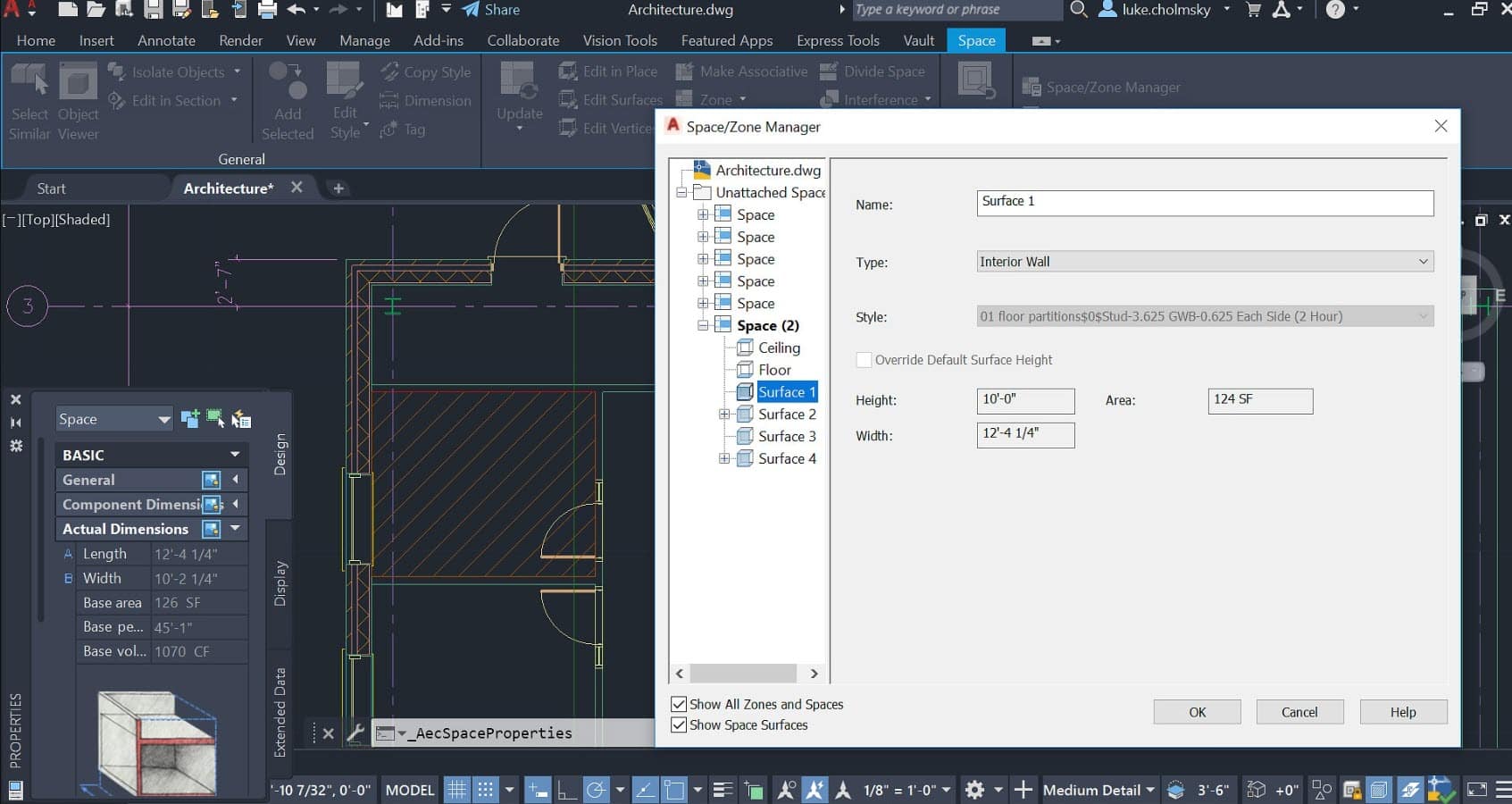
Generate construction documents automatically from your design models. The software creates detailed floor plans, elevations, sections, and schedules that update automatically when you modify the design. This eliminates tedious manual drafting and ensures all documents remain synchronized throughout the design process.
Building Information Modeling Integration
While AutoCAD Architecture focuses on 2D drafting and basic 3D modeling, it integrates smoothly with full BIM platforms. Export your designs to Autodesk Revit or other BIM software when projects require advanced modeling capabilities, maintaining all design data and relationships.
Customizable Interface
Adapt the software to match your working style with fully customizable toolbars, menus, and keyboard shortcuts. Create custom templates with your preferred settings, standard details, and drawing layouts. The ribbon interface organizes tools logically while allowing complete personalization.
Extensive File Format Support
Work with files from virtually any CAD software or design application. Import surveys from civil engineering software, incorporate structural drawings from engineering firms, and export finished designs to manufacturing systems. The broad file compatibility eliminates workflow bottlenecks and improves project coordination.
Why Our Store Is the Best Choice
Trusted by Thousands
Our online store has successfully provided genuine software licenses to architects, engineers, and design professionals worldwide. Thousands of satisfied customers rely on us for authentic software at competitive prices, backed by reliable support and service.
Secure Payment Processing
Your financial information remains completely secure through our encrypted payment system. We accept all major credit cards, PayPal, and other secure payment methods. Our checkout process is fast, simple, and protected by industry-leading security measures.
Instant Delivery System
Our automated delivery system sends your software download link and activation key immediately after payment confirmation. No delays, no business hours restrictions, and no waiting for manual processing. Get started on your projects right away.
Best Price Guarantee
We consistently offer AutoCAD Architecture 2026 at the most competitive prices available online. If you find a lower price for the same genuine software from another authorized retailer, we’ll match it. Get professional software without the premium price tag.
Technical Specifications and Requirements
System Requirements
AutoCAD Architecture 2026 runs efficiently on most modern Windows computers. Minimum requirements include Windows 10 or 11 (64-bit), 8GB RAM, and 7GB available hard disk space. For optimal performance, we recommend 16GB RAM and a dedicated graphics card with OpenGL support.
Hardware Optimization
The software takes advantage of multi-core processors and modern graphics hardware to deliver smooth performance even with complex drawings. SSD storage significantly improves loading times and file operations. High-resolution displays are fully supported with proper scaling and clarity.
Network and Connectivity
While AutoCAD Architecture 2026 works perfectly offline, internet connectivity enables access to additional content libraries, cloud storage integration, and automatic updates. The software respects your privacy and doesn’t require constant online verification once activated.
Getting Started Is Simple
Step 1: Purchase and Download
Complete your secure online purchase and receive your download link via email within minutes. The download includes the complete AutoCAD Architecture 2026 installation package and your unique activation key.
Step 2: Installation
Run the installer and follow the simple setup wizard. The process typically takes 15-30 minutes depending on your computer’s performance. Our detailed installation guide walks you through each step with screenshots and explanations.
Step 3: Activation and Registration
Enter your activation key when prompted during the first startup. The software connects briefly to verify your license and completes the activation process. Your license is then permanently tied to your computer and remains active indefinitely.
Step 4: Begin Designing
Start with the built-in tutorials and sample projects to familiarize yourself with the interface and tools. The comprehensive help system and online resources provide guidance for every feature and function.
Conclusion: Your Investment in Professional Success
Autodesk AutoCAD Architecture 2026 with lifetime activation represents more than just software – it’s an investment in your professional capability and creative potential. Whether you’re drafting your first floor plan or managing complex commercial projects, this powerful tool adapts to your needs and grows with your skills.
The combination of advanced features, permanent licensing, and comprehensive support makes this the smart choice for anyone serious about architectural design. Join the millions of professionals worldwide who rely on AutoCAD for their most important projects.
Don’t let monthly subscription fees drain your budget or limit your access to professional tools. Take control of your software costs with this lifetime license and focus your resources on what matters most – creating exceptional architectural designs that inspire and endure.
Purchase your copy of Autodesk AutoCAD Architecture 2026 today and experience the difference professional-grade software makes in your work. With instant delivery, money-back guarantee, and free installation support, there’s never been a better time to upgrade your design capabilities.
Order now and start designing tomorrow.
Related products
-
Adobe InDesign 2026 lifetime activation for MAC
Original price was: $49.99.$39.99Current price is: $39.99. -
Nuance PaperPort 14.6 Professional scanning, converting,editing documents
Original price was: $29.99.$19.99Current price is: $19.99. -
Adobe Animate 2024 – Lifetime Activation For Windows
Original price was: $49.99.$39.99Current price is: $39.99. -
Nuance Dragon Naturally speaking for documentation productivity
Original price was: $39.99.$33.99Current price is: $33.99. -
Wilcom Embroidery Studio e4.2 For Windows – Lifetime Activation
Original price was: $79.99.$65.99Current price is: $65.99.




 Blackmagic Design DaVinci Resolve Studio 19 For MAC
  Magix SOUND FORGE PRO Suite 18 Lifetime License for Windows
  Purchase WinRar software - file extractor and file archive creator